
Thinking about Applying to Teach in an Online Creative Summit?
I want to share what I learned about creating my presentation as a speaker in an online creative summit in case applying to be a speaker in a summit sounds fun to you.
Could you be an online creative summit presenter?
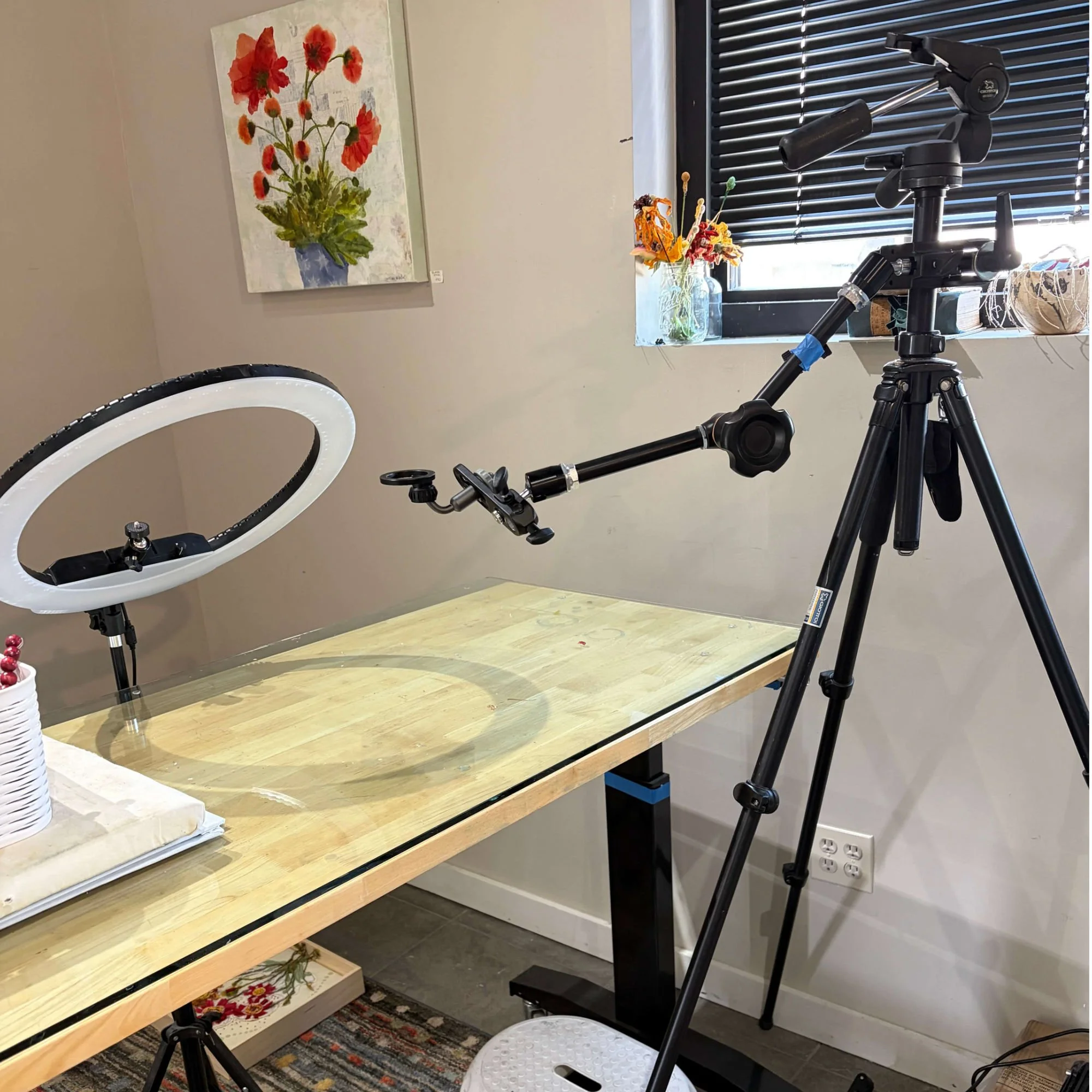
Yes. It’s very possible. You don’t need a professional studio. All you need is a microphone, a camera (phone is fine) that shoots video, lighting and an arm to hold the camera over your worktable. And a desire to share what you do with others.
What is an online creative summit?
An online creative summit is a collection of projects presented by different artists during a specified time frame. The summit organizer asks that artists who are interested and whose work fits in with the theme of the summit apply to be a presenter.
Typically, there is no charge to a viewer for signing up for the summit. And no charge to the artist as a presenter.
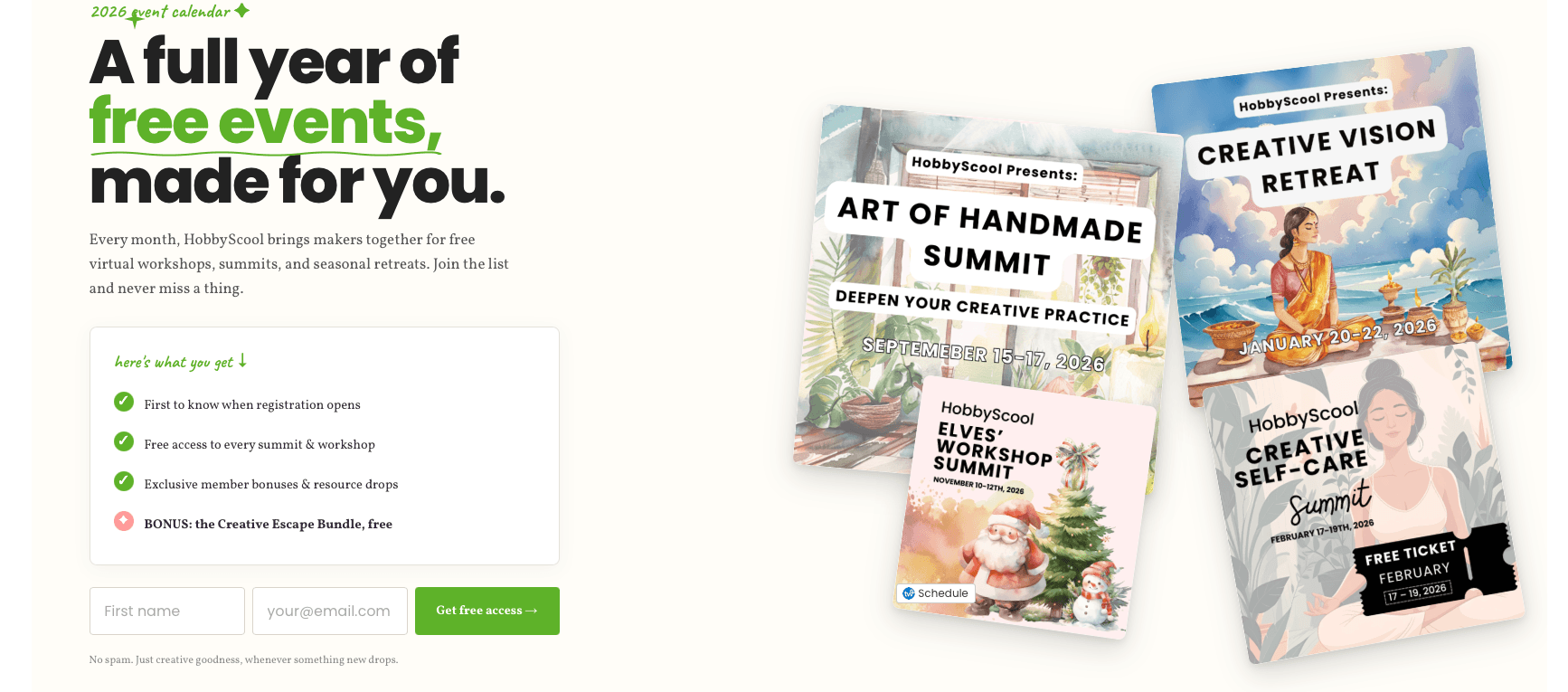
I applied and was accepted to be a speaker at an creative summit called “Art of Handmade” on the HobbyScool site. The dates of this summit are September 15-17, 2026.
(I am an affiliate of the “Art of Handmade Summit.”)
Why did I apply to be a speaker?
I applied to be a part of HobbyScool’s “Art of Handmade” Summit because I love to teach what I do, I want to grow my audience, and HobbyScool’s audience is made up of makers and artists.
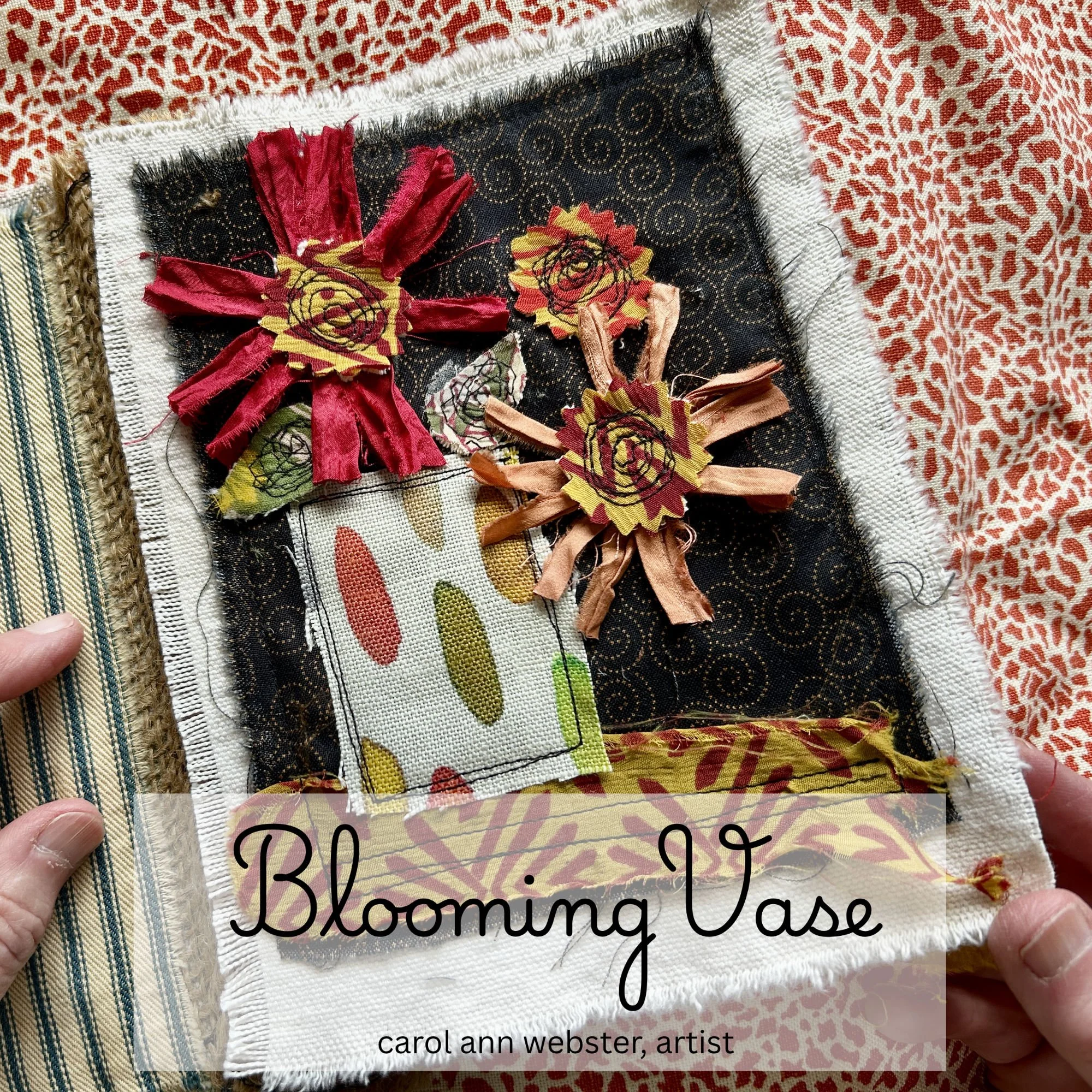
After being accepted, I designed a handmade project that fit the format and I think would be fun for the HobbyScool audience. It’s called “Create a Blooming Vase: a Small Fabric Collage.”
I’m sharing what I experienced and learned as I created this presentation.
My NEW checklist for my presentation:
Read and understand the summit’s requirements
Develop a project that fits the theme, format, and time limit
Plan a 16 to 30 minute teaching presentation
Video myself speaking plus video my hands working on the project
Manage the sound, lighting, camera positioning
Edit the video
Create a free resource that gives the viewers a reason to join my email list
Complete the organizer’s forms and submit everything on time
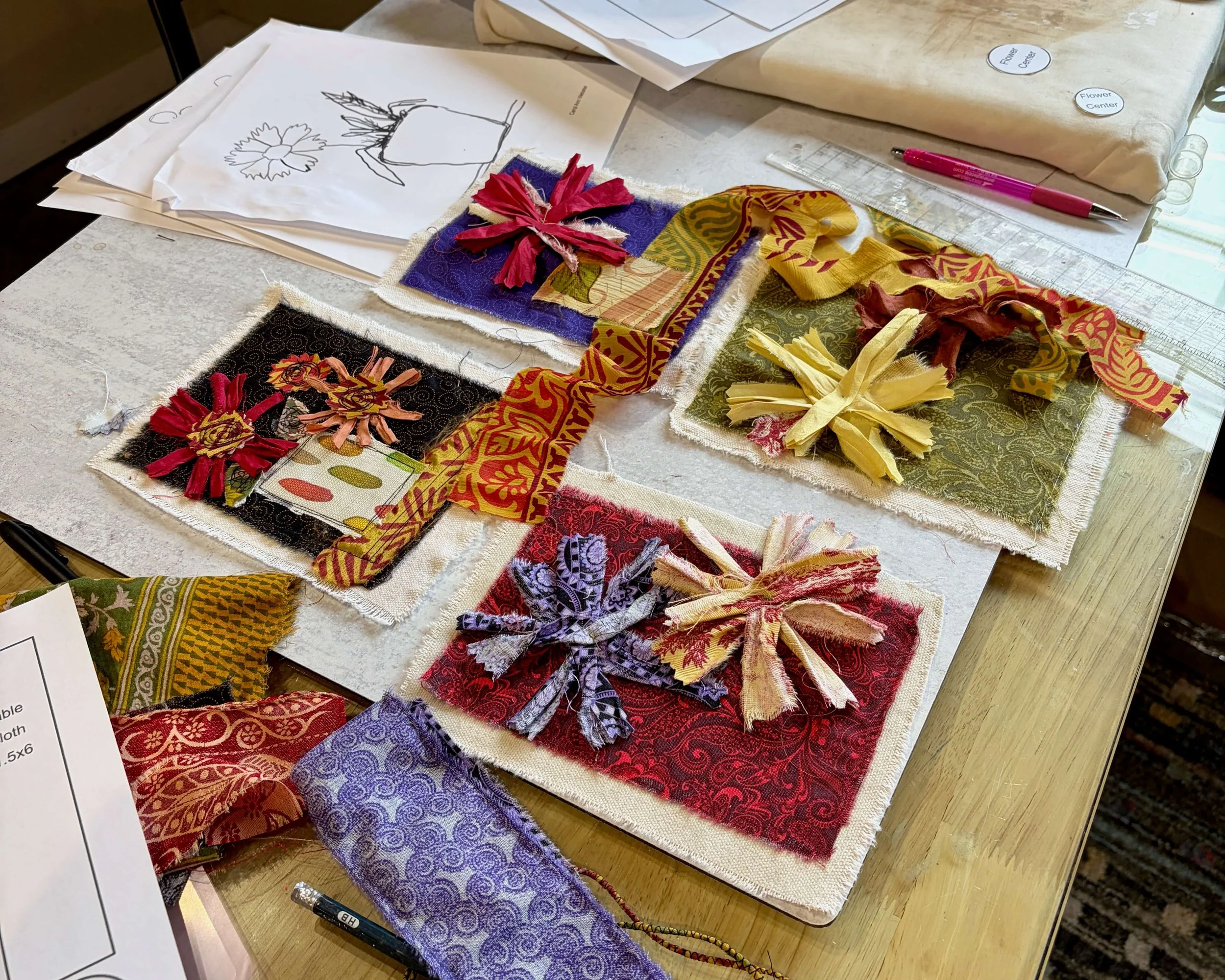
Helpful tips for you:
This is not my first time being a presenter but I hadn’t developed my own submission process. This time, I’m keeping notes.
If you apply for a summit, I hope these tips help you be successful and have fun.
I just jumped in thinking I knew what I was supposed to do, and that's pretty typical of me because I don't read instructions very well, which of course, didn't work.
I created extra work for myself. Even though I created a new PDF and I'll probably use it for something else, it was totally overkill for this project. I wasted precious time on that. I should have read the summit’s directions.
I have learned to fix my mistakes immediately while shooting the video. Years of teaching online has taught me that it’s easier to reshoot the video immediately with the correction than to go back later and have to reshoot while I’m editing.
Leave your supplies and setup intact until the presentation is “in the can.” There may be close-ups you need, or some still shots, or a video segment you need to re-record.
Believe me, trying to recreate a set-up that has been put away is frustrating.
I’ve learned that I need a repeatable process. I’ll keep these notes about my process and I’ll have more confidence in my self as a presenter next time.
If you have experience as an online creative summit presenter, what do you know now that you wish you’d known the first time?